The first commission feels amazing. Someone wants to pay you for a sword, a hat, a little creature you could make in your sleep. You say a number that sounds safe. They say yes in seconds.
That instant yes is usually the moment you realise you charged too little.
This guide is a calm, repeatable way to set prices you can say out loud, and explain to any client who asks why.
Pick an hourly rate you're happy with
You don't have to show clients an hourly rate. You need one so your prices have a floor.
For a sense of the market, published guides put most freelance 3D modeling between about $25 and $100 an hour (Twine). goLance puts experienced freelance 3D modelers at roughly $58 to $103 an hour, with juniors nearer $20. Location changes a lot: one 2025 table lists the US at $70 to $150, the UK at $40 to $130 and India at $15 to $50 (RocketBrush). These are estimates from hiring sites, but they show the range clients are used to seeing.
If you're just starting, pick a number at the low end that still feels fair for your time. Raise it every time you're fully booked for a month.
Time a whole job from start to finish
Take a job you do often, a low-poly weapon for example, and write down every part of it:
- Reading the brief and asking questions
- Blocking out and modeling
- UVs and texturing
- Exporting, testing in Roblox Studio or your engine
- Messages back and forth
- One round of changes
Most artists count only the modeling. The messages and the changes are often a third of the real time.
For example, that weapon takes four hours in total. At $25 an hour, your floor for it's $100. If that sounds high for your audience, keep the price and make a simpler level below it, rather than working for less.
Turn one service into three levels
When there's one price, clients either say yes or leave. When there are three clear choices, they compare, and most pick one.
- Basic: simple shape, simple texture, one revision, delivered in about a week.
- Intermediate: more detail, hand-painted texture, two revisions.
- Advanced: complex model, full texturing, a rig or extras, three revisions, priority delivery.
Many people choose the middle option, so make it the one you most want to sell. The top level is also useful when no one buys it: it makes the middle feel reasonable.
A clear price list does half the selling before you say a word.
Show a starting price
"From $15" changes the whole conversation. It turns a vague "how much?" into a real request, filters out people who expected free work, and means the clients who do write to you already expect to pay.
Write down what's included
Most arguments with clients come from things nobody wrote down. For each level, list:
- Triangle or polygon limit
- Texture size (for example 1024 or 2048)
- File types: FBX, OBJ, a .blend file
- Whether it's ready to upload to Roblox
- How many revisions, and the price of extra ones
- The license: personal use, or commercial use (often priced higher)
Is Roblox UGC different?
Selling avatar items on the Roblox Marketplace is different from taking commissions. Roblox takes a share of each sale, and the rules have changed over time, so check the current split on the Roblox Creator Hub before you plan around it. For commissions, price the work itself using the steps above: the client is paying for your time and skill, whatever the item later sells for.
Ask for a deposit on bigger jobs
For bigger jobs, ask for half before you start and the rest on delivery. It protects you if the client disappears, and serious clients expect it. Say it calmly, in your terms, before the work starts.
Copy this price sheet
| Level | What you get | Revisions | Delivery | Price |
|---|---|---|---|---|
| Basic | Simple model, simple texture | 1 | 7 days | From $15 |
| Intermediate | Detailed model, hand-painted texture | 2 | 5 days | From $40 |
| Advanced | Complex model, full texture, rig | 3 | 3 days | From $90 |
The numbers are an example; use your own from steps 1 and 2.
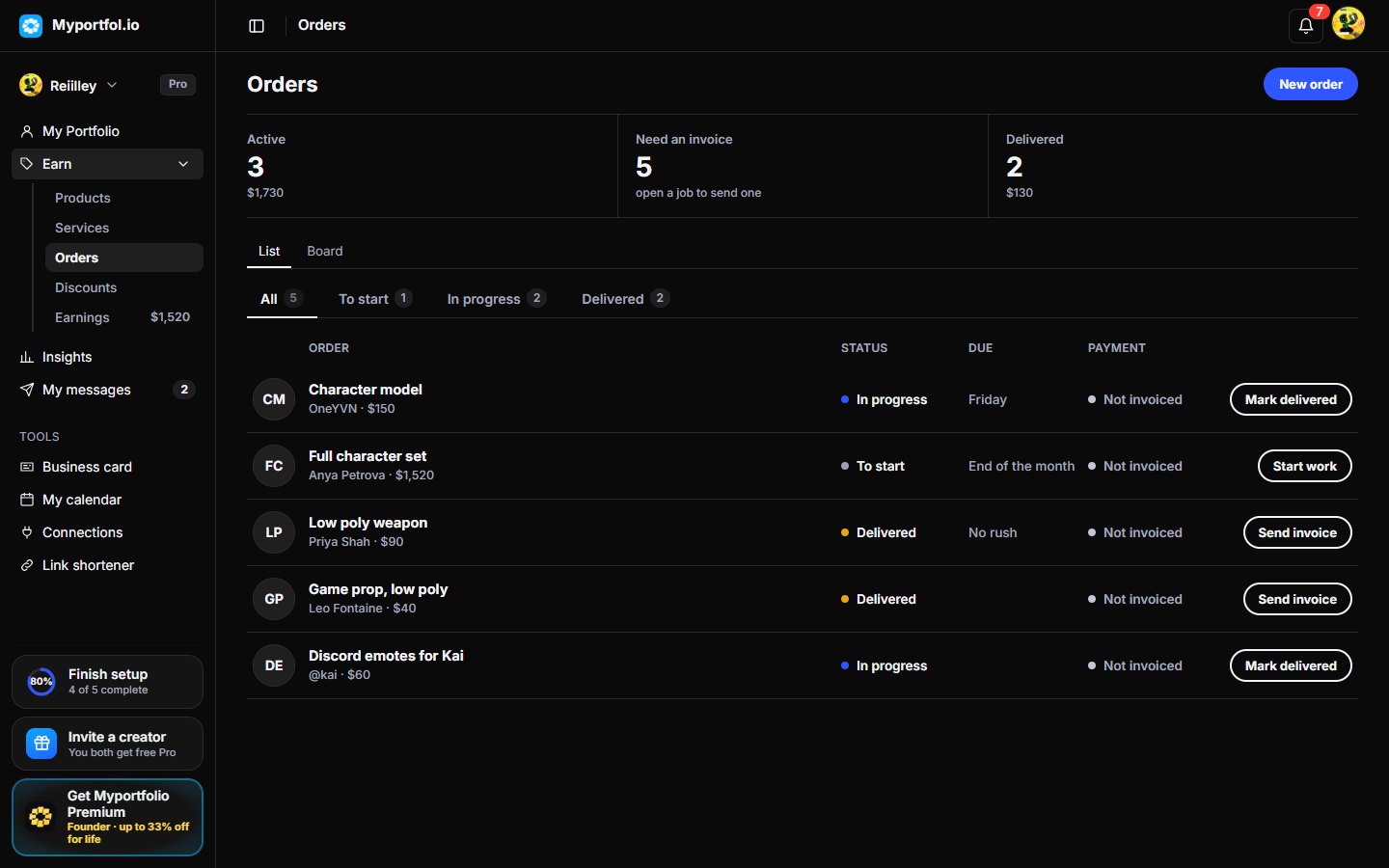
Put your prices on your page in five minutes
Here's the price sheet above, set up on Myportfolio.
- Add your first service. In your dashboard open My portfolio and add a service, for example Low-poly weapon (Basic), with its price, delivery time, revisions and license.
- Add the other levels. Add Low-poly weapon (Intermediate) and Low-poly weapon (Advanced). Writing the level in brackets groups them, so clients see three clear choices side by side.
- Your starting price appears by itself. Your page shows "From $15", the lowest price you set. That's your minimum, said once, so nobody asks you to work for less.
- Clients press Request a quote. They pick a level, add their budget, deadline and reference files, and the request lands in your dashboard.
The next quick yes comes at a price you chose on purpose.
Set your prices on Myportfolio for free
Frequently asked questions
How much should I charge for a 3D model?
Start from an hourly rate you're happy with and the real hours a job takes, including messages and revisions. Published guides put most freelance 3D work between about $25 and $100 an hour, depending on skill and location.
How much do Roblox UGC commissions cost?
There's no fixed price. Small items are usually priced as a simple level (for example a starting price for a basic model), with higher levels for detailed textures, rigs and faster delivery.
Should I charge per hour or per project?
Clients prefer a fixed price per project. Use your hourly rate privately to set that price so you never work below your floor.
How many revisions should I include?
One revision on a basic level, two on the middle level and three on the top level is a common, clear setup. Charge for extra rounds.
Should I ask for payment up front?
For bigger jobs, ask for half before you start and the rest on delivery. Small jobs are often paid in full up front.
Can I use Myportfolio for free?
Yes. The free plan gives you one page with your work, your services with prices and a Request a quote button, plus bookings, messages and client reviews. Paid plans add your own look and remove our badge.